
















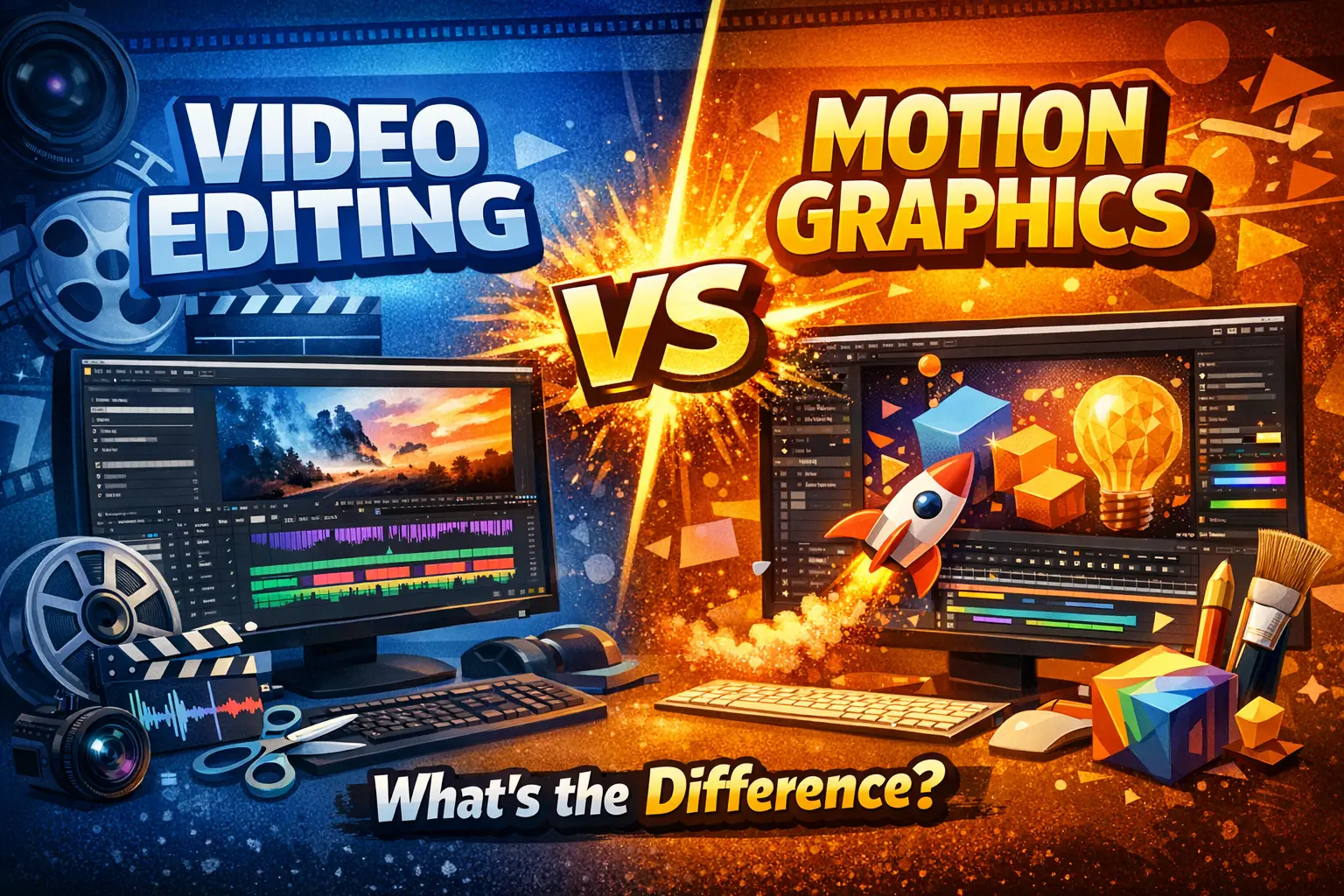
Introduction<\/h2>Video content has become the backbone of digital communication. Whether you are scrolling through Instagram, watching YouTube, learning through online courses, or seeing ads on OTT platforms, video is everywhere.<\/h2> Behind every engaging visual lies a creative process that usually involves video editing, motion graphics, or a powerful combination of both. However, many people assume these two are the same, which leads to confusion when choosing a career or skill path.Think of video editing as arranging moments from real life into a meaningful sequence, like editing memories into a photo album. Motion graphics, on the other hand, are akin to animating imagination—transforming text, icons, and shapes into moving visuals that explain or promote a concept. Both fields are creative, in-demand, and exciting, but they serve very different purposes. Let’s dive deep and gain a clear understanding of the difference between video editing and motion graphics.
What Is Video Editing?
Definition of Video Editing
Video editing is the process of working with recorded video footage to create a finished product that tells a clear and engaging story. This footage can come from cameras, smartphones, drones, or screen recordings. A video editor selects the best shots, removes unwanted parts, arranges clips in a logical order, and enhances the video with effects, music, and colour correction.In simple words, video editing is about shaping raw, unorganised clips into a watchable and meaningful video. Without editing, even the best footage looks boring and confusing.
Key Objectives of Video Editing
The main objective of video editing is Storytelling. A good editor controls the flow of emotions by deciding what the audience sees and when they see it. Video editing focuses on:- Maintaining continuity and flow
- Enhancing emotions through music and timing
- Removing distractions and mistakes
- Improving visual quality and sound clarity
Whether it’s a short reel or a full-length movie, editing decides how impactful the video will be.
Popular Video Editing Tools
Professional and beginner editors use tools such as:- Adobe Premiere Pro for professional projects
- Final Cut Pro for Apple users
- DaVinci Resolve for colour grading and editing.
- Fil mora and Cap Cut for quick and social media edits
These tools help editors manage timelines, transitions, audio, and exports efficiently.
What Are Motion Graphics?
Definition of Motion Graphics
Motion graphics are animated graphic elements that create movement in design. Instead of using real-life footage, motion graphics rely on text, shapes, illustrations, and icons that are animated to communicate a message. These animations are commonly seen in explainer videos, advertisements, app promotions, and brand intros.Motion graphics sit between graphic design and animation. They are not cartoons or films but visually appealing animations designed to explain, promote, or enhance content.
Purpose of Motion Graphics
The main purpose of motion graphics is Communication through visuals. They help simplify complex ideas and make information easier to understand. Motion graphics are widely used to:- Explain services and products.
- Strengthen brand identity
- Add visual interest to videos.
- Increase audience engagement
They are especially effective when attention spans are short, and clarity is essential.
Common Motion Graphics Software
Motion graphics designers commonly use:- Adobe After Effects for animation
- Adobe Illustrator for vector designs
- Cinema 4D and Blender for 3D motion graphics
After Effects is considered the backbone of motion graphics creation.
Core Difference Between Video Editing and Motion Graphics
The fundamental difference lies in the source of content. Video editing works with existing footage, while motion graphics create visuals from scratch. Video editors refine reality; motion graphics designers build visual concepts. One rearranges moments, the other animates ideas.
Workflow Comparison
Video Editing Workflow
A video editing workflow usually starts with importing raw footage. The editor then trims clips, arranges scenes, adds transitions, syncs music, adjusts colours, and exports the final video. This workflow is often fast-paced and deadline-oriented, especially in social media and marketing projects.
Motion Graphics Workflow
Motion graphics workflows are more design-focused and time-intensive. Designers begin with concepts and scripts, design visual elements, animate them using keyframes, add sound effects, and render the final output. Precision and creativity are crucial here.
Creative Skills Required
Skills Needed for Video Editors
Video editors must understand Storytelling, pacing, and emotional flow. A strong sense of timing, basic design knowledge, and audio awareness are essential. Editors need to think like viewers and keep content engaging from start to finish.
Skills Needed for Motion Graphics Designers
Motion graphics designers require a solid foundation in graphic design, typography, animation principles, and visual storytelling. Creativity plays a bigger role, as designers create visuals instead of relying on footage.
Technical Skills and Software Knowledge
Editing Tools and Techniques
Video editors must master timelines, cuts, transitions, colour grading, and export settings. Technical efficiency is important because projects often have tight deadlines.
Animation and Design Techniques
Motion graphics designers need to understand keyframing, masking, easing, and animation curves. These technical elements bring designs to life smoothly and professionally.
Use Cases and Applications
Where Video Editing Is Used
Video editing is used in films, vlogs, interviews, documentaries, reels, and corporate videos. Anywhere real footage exists, video editing plays a role.
Where Motion Graphics Shine
Motion graphics are ideal for explainer videos, animated ads, UI animations, presentations, and branding content. They are perfect when visuals need to explain ideas quickly.
Career Opportunities
Career Path in Video Editing
Video editors can work as freelancers, YouTube editors, film editors, or social media editors. Growth depends on creativity, speed, and niche expertise.
Career Path in Motion Graphics
Motion graphics designers work as animators, visual designers, and branding specialists. This field often offers higher pay due to Specialized skills.
Salary Comparison: Video Editing vs Motion Graphics
Behind every engaging visual lies a creative process that usually involves video editing, motion graphics, or a powerful combination of both.
However, many people assume these two are the same, which leads to confusion when choosing a career or skill path.
Think of video editing as arranging moments from real life into a meaningful sequence, like editing memories into a photo album. Motion graphics, on the other hand, are akin to animating imagination—transforming text, icons, and shapes into moving visuals that explain or promote a concept.
Both fields are creative, in-demand, and exciting, but they serve very different purposes. Let’s dive deep and gain a clear understanding of the difference between video editing and motion graphics.
What Is Video Editing?
Definition of Video Editing
Video editing is the process of working with recorded video footage to create a finished product that tells a clear and engaging story. This footage can come from cameras, smartphones, drones, or screen recordings.
A video editor selects the best shots, removes unwanted parts, arranges clips in a logical order, and enhances the video with effects, music, and colour correction.
In simple words, video editing is about shaping raw, unorganised clips into a watchable and meaningful video. Without editing, even the best footage looks boring and confusing.
Key Objectives of Video Editing
The main objective of video editing is Storytelling. A good editor controls the flow of emotions by deciding what the audience sees and when they see it.
Video editing focuses on:
- Maintaining continuity and flow
- Enhancing emotions through music and timing
- Removing distractions and mistakes
- Improving visual quality and sound clarity
Whether it’s a short reel or a full-length movie, editing decides how impactful the video will be.
Popular Video Editing Tools
Professional and beginner editors use tools such as:
- Adobe Premiere Pro for professional projects
- Final Cut Pro for Apple users
- DaVinci Resolve for colour grading and editing.
- Fil mora and Cap Cut for quick and social media edits
These tools help editors manage timelines, transitions, audio, and exports efficiently.
What Are Motion Graphics?
Definition of Motion Graphics
Motion graphics are animated graphic elements that create movement in design. Instead of using real-life footage, motion graphics rely on text, shapes, illustrations, and icons that are animated to communicate a message.
These animations are commonly seen in explainer videos, advertisements, app promotions, and brand intros.
Motion graphics sit between graphic design and animation. They are not cartoons or films but visually appealing animations designed to explain, promote, or enhance content.
Purpose of Motion Graphics
The main purpose of motion graphics is Communication through visuals. They help simplify complex ideas and make information easier to understand.
Motion graphics are widely used to:
- Explain services and products.
- Strengthen brand identity
- Add visual interest to videos.
- Increase audience engagement
They are especially effective when attention spans are short, and clarity is essential.
Common Motion Graphics Software
Motion graphics designers commonly use:
- Adobe After Effects for animation
- Adobe Illustrator for vector designs
- Cinema 4D and Blender for 3D motion graphics
After Effects is considered the backbone of motion graphics creation.
Core Difference Between Video Editing and Motion Graphics
The fundamental difference lies in the source of content. Video editing works with existing footage, while motion graphics create visuals from scratch.
Video editors refine reality; motion graphics designers build visual concepts. One rearranges moments, the other animates ideas.
Workflow Comparison
Video Editing Workflow
A video editing workflow usually starts with importing raw footage. The editor then trims clips, arranges scenes, adds transitions, syncs music, adjusts colours, and exports the final video.
This workflow is often fast-paced and deadline-oriented, especially in social media and marketing projects.
Motion Graphics Workflow
Motion graphics workflows are more design-focused and time-intensive. Designers begin with concepts and scripts, design visual elements, animate them using keyframes, add sound effects, and render the final output.
Precision and creativity are crucial here.
Creative Skills Required
Skills Needed for Video Editors
Video editors must understand Storytelling, pacing, and emotional flow. A strong sense of timing, basic design knowledge, and audio awareness are essential.
Editors need to think like viewers and keep content engaging from start to finish.
Skills Needed for Motion Graphics Designers
Motion graphics designers require a solid foundation in graphic design, typography, animation principles, and visual storytelling.
Creativity plays a bigger role, as designers create visuals instead of relying on footage.
Technical Skills and Software Knowledge
Editing Tools and Techniques
Video editors must master timelines, cuts, transitions, colour grading, and export settings.
Technical efficiency is important because projects often have tight deadlines.
Animation and Design Techniques
Motion graphics designers need to understand keyframing, masking, easing, and animation curves.
These technical elements bring designs to life smoothly and professionally.
Use Cases and Applications
Where Video Editing Is Used
Video editing is used in films, vlogs, interviews, documentaries, reels, and corporate videos.
Anywhere real footage exists, video editing plays a role.
Where Motion Graphics Shine
Motion graphics are ideal for explainer videos, animated ads, UI animations, presentations, and branding content.
They are perfect when visuals need to explain ideas quickly.
Career Opportunities
Career Path in Video Editing
Video editors can work as freelancers, YouTube editors, film editors, or social media editors.
Growth depends on creativity, speed, and niche expertise.
Career Path in Motion Graphics
Motion graphics designers work as animators, visual designers, and branding specialists.
This field often offers higher pay due to Specialized skills.
Salary Comparison: Video Editing vs Motion Graphics
When it comes to salary, motion graphics generally pays higher than video editing, mainly because it requires a combination of design, animation, and technical skills.
However, earnings in both fields depend on experience, location, industry, and expertise.
Video Editing Salary:
Entry-level video editors usually earn a modest income, as the field has a lower entry barrier and higher competition. Beginners working in social media, YouTube channels, or small agencies can expect steady but average pay.
With experience, specialisation (films, ads, colour grading), and strong storytelling skills, video editors can earn significantly more, especially as freelancers or senior editors in production houses.
Motion Graphics Salary:
Motion graphics designers often earn higher salaries because their skill set is more specialised and in demand for branding, advertising, and corporate communication. Even at the beginner level, motion designers tend to earn more than video editors.
Experienced motion graphics professionals working with 2D/3D animation, explainer videos, or high-end ads command premium salaries and higher freelance rates.
Video Editing vs Motion Graphics: Which Should You Choose?
Choose video editing if you enjoy storytelling with footage. Choose motion graphics if you love design, animation, and visual creativity. Many professionals eventually learn both.
Conclusion
In the world of digital content creation, both video editing and motion graphics play crucial roles, yet they serve different purposes. Video editing focuses on refining real footage to tell a compelling story, while motion graphics brings designs, text, and illustrations to life through animation.
Choosing between them depends on your personal interests, skills, and career goals.
If you enjoy working with recorded videos, storytelling, and quick-turnaround projects, video editing is ideal. On the other hand, if you love creativity, design, and animation, and are willing to invest time in learning specialised tools, motion graphics offers higher earning potential and more creative freedom.
🎯 Recommended Career Program
Video Editing Course in Delhi
Professional training in Premiere Pro, DaVinci Resolve, FCP & After Effects with hands-on live projects.
Next Batches: Starting Every Week (Fast Track & Weekend Available)
Recently Added Articles


.webp)










.png)



 Book A Free Demo
  18001020418
 Apply Now



 Please select course category