













Excel, SQL, Power BI or Python: What Should a Data Analytics Student Learn First?
Last updated on Mar 21, 2026


Introduction
In today’s data-driven world, data analytics has become one of the most in-demand career fields. Organizations across industries rely on data to make informed decisions, improve efficiency, and understand customer behavior. As a result, students are increasingly interested in building careers in data analytics. However, beginners often face a common confusion: What should I learn first—Excel, SQL, Power BI, or Python?
Each of these tools plays a crucial role in data analytics, but they serve different purposes and require different levels of expertise. Choosing the right starting point can make a significant difference in how effectively a student learns and progresses in this field.
Understanding the function and importance of each tool is essential for building a structured learning path. Instead of trying to learn everything at once, students should follow a step-by-step approach that gradually builds their analytical skills and technical knowledge.
Understanding the Role of Data Analytics Tools
Data analytics involves collecting, processing, analyzing, and visualizing data to extract meaningful insights. To perform these tasks efficiently, professionals use a combination of tools and technologies.
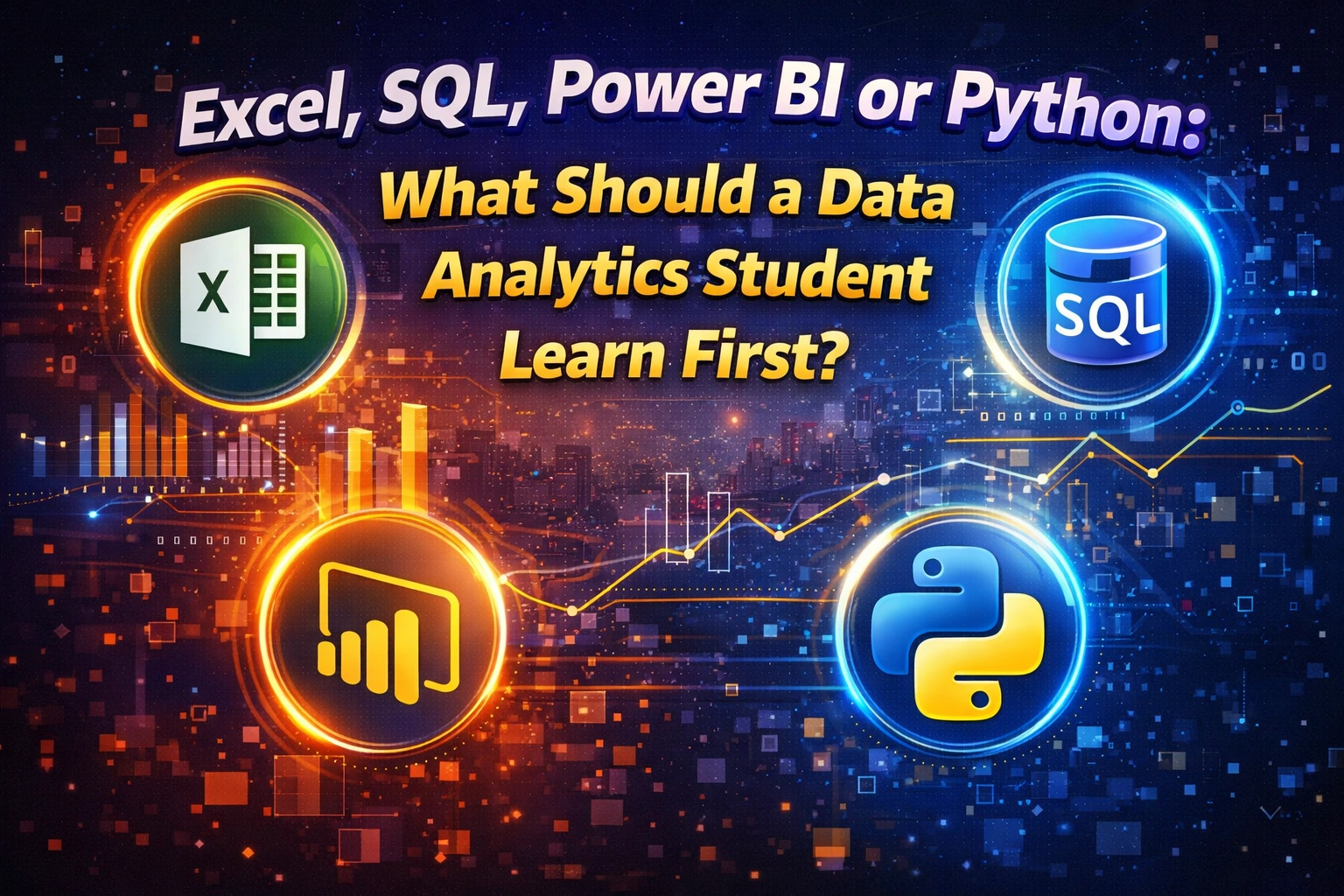
Excel is commonly used for basic data analysis and organization. SQL helps in managing and retrieving data from databases. Power BI is used for data visualization and reporting, while Python is a programming language used for advanced analytics, automation, and machine learning.
Each tool complements the others, and together they form a complete data analytics toolkit. However, beginners should focus on learning them in the right sequence to avoid confusion and build a strong foundation.
Starting with Excel: The Foundation of Data Analytics
For beginners, Excel is often the best starting point in the data analytics journey. It is widely used across industries and provides a simple yet powerful platform for understanding data.
Excel helps students learn how to organize data, perform calculations, and analyze datasets using formulas and functions. Features such as pivot tables, charts, and conditional formatting allow users to summarize and visualize data effectively.
By learning Excel, students develop a basic understanding of how data works. They become familiar with concepts such as sorting, filtering, and data cleaning, which are essential for any data analytics role.
Another advantage of starting with Excel is its accessibility. Most students already have some exposure to Excel, making it easier to learn compared to more technical tools.
Moving to SQL: Managing and Querying Data
After gaining confidence in Excel, the next step for students is learning SQL (Structured Query Language). SQL is used to manage and retrieve data from databases, which is a critical skill for data analysts.
In real-world scenarios, data is often stored in large databases rather than spreadsheets. SQL allows analysts to extract specific information, filter data, and perform calculations directly within databases.
Learning SQL helps students understand how data is stored, organized, and accessed in professional environments. It also introduces them to concepts such as tables, relationships, joins, and queries.
SQL is relatively easy to learn compared to programming languages and is highly valuable in the job market. Many companies expect data analysts to have at least a basic understanding of SQL.
Learning Power BI: Turning Data into Insights
Once students understand how to work with data using Excel and SQL, they should move on to Power BI. Power BI is a powerful data visualization tool that allows users to create interactive dashboards and reports.
Data visualization is an important part of data analytics because it helps communicate insights in a clear and understandable way. Power BI enables students to present data through charts, graphs, and dashboards that make complex information easy to interpret.
With Power BI, students learn how to connect different data sources, transform data, and build visual reports. These skills are highly valuable in business environments where decision-makers rely on visual insights to make strategic decisions.
Power BI also introduces students to concepts such as data modeling and data transformation, which are important for advanced analytics.
Advancing to Python: Unlocking Advanced Analytics
Python is a programming language that plays a crucial role in advanced data analytics and data science. While beginners don't need to start with Python, it becomes essential as students progress in their learning journey.
Python allows analysts to automate tasks, handle large datasets, and perform complex data analysis. It is widely used for statistical analysis, machine learning, and predictive modeling.
Learning Python helps students go beyond basic analysis and explore advanced techniques such as data visualization using libraries, data manipulation, and algorithm development.
However, Python requires a basic understanding of programming concepts, which may be challenging for beginners. Therefore, it is recommended to learn Python after gaining confidence in Excel, SQL, and Power BI.
Recommended Learning Path for Data Analytics Students
Choosing the right learning sequence is crucial for building a strong foundation in data analytics. A step-by-step approach ensures that students develop their skills gradually without feeling overwhelmed.
The recommended learning path for beginners is:
First, start with Excel to understand basic data handling and analysis. Then move to SQL to learn how to work with databases and retrieve data efficiently. After that, learn Power BI to develop data visualization and reporting skills. Finally, advance to Python for automation, advanced analysis, and machine learning.
This structured approach allows students to build confidence at each stage and develop a comprehensive understanding of data analytics.
Skills You Develop Through These Tools
Each of these tools helps students develop different skills that are essential for a data analytics career.
Excel builds foundational skills in data organization and basic analysis. SQL develops the ability to work with databases and manage large datasets. Power BI enhances data visualization and reporting skills, while Python enables advanced analytics and automation.
Together, these tools help students become well-rounded data professionals who can handle various aspects of data analysis.
Career Opportunities After Learning These Tools
Students who learn Excel, SQL, Power BI, and Python can explore various career opportunities in data analytics. Common job roles include data analyst, business analyst, data visualization specialist, and junior data scientist.
These roles involve analyzing data, creating reports, and helping organizations make data-driven decisions. As students gain experience and expertise, they can advance to higher positions such as senior analyst, data engineer, or data scientist.
The demand for data professionals continues to grow, making data analytics a promising career choice for students interested in technology and business.
Frequently Asked Questions (FAQ)<\/h2>What should I learn first for data analytics?
Beginners should start with Excel because it helps build a basic understanding of data handling and analysis.
Is SQL necessary for data analytics?
Yes, SQL is essential because it allows analysts to retrieve and manage data stored in databases.
Can I learn Power BI without SQL?
Yes, but having basic knowledge of SQL makes it easier to work with data sources and understand data structures.
Is Python mandatory for data analytics?
Python is not mandatory for beginners, but it is important for advanced analytics and career growth.
How long does it take to learn these tools?
It depends on the learning pace, but students can learn the basics of all four tools within a few months with consistent practice.
Conclusion<\/h2>
Choosing between Excel, SQL, Power BI, and Python can be confusing for beginners, but the key lies in following the right learning path. Each tool serves a unique purpose and contributes to building a complete data analytics skill set.
Starting with Excel helps students understand the basics of data, while SQL introduces them to database management. Power BI allows them to present insights visually, and Python enables advanced analysis and automation.
By learning these tools step by step, students can develop strong analytical skills and prepare themselves for successful careers in data analytics. With the increasing demand for data professionals, mastering these tools can open doors to exciting opportunities in various industries.
Recently Added Articles


.webp)










.png)



 Book A Free Demo
  18001020418
 Apply Now





 Please select course category