















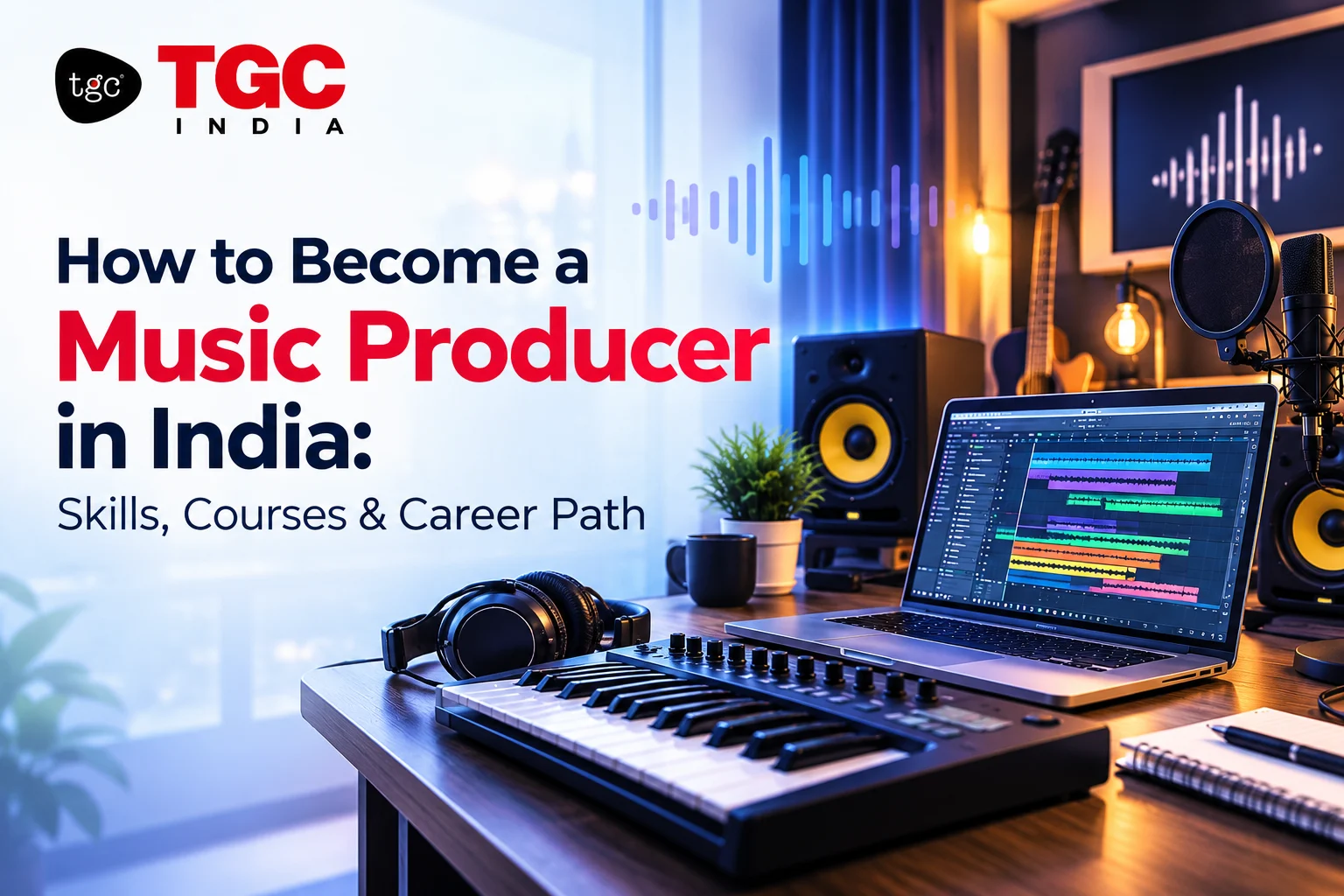
How to Setup a Podcast Studio, and How Much Does It Cost?<\/h2>
Setting up a podcast studio requires the right equipment, space, and knowledge to achieve professional sound quality. Whether you are starting a personal podcast or launching a professional platform, understanding the setup process and associated costs is essential. In this guide, TGC Animation & Multimedia, a leading education and training institute in India, walks you through everything you need to know.
Introduction to Podcast Studio Setup
Podcasting is a rapidly growing medium that demands clear audio and a dedicated space for recording. Setting up a podcast studio involves selecting the right microphone, audio interface, headphones, soundproofing your environment, and more. In addition to the technical setup, budgeting appropriately ensures you get the best value for your investment.
Essential Components of a Podcast Studio
1. Microphone
The microphone is the heart of your podcast studio. Aim for a quality condenser or dynamic mic designed for vocal recording.
- Popular options: Shure SM7B, Audio-Technica ATR2100x, Rode PodMic
- Price range: $50 - $400
2. Audio Interface
An audio interface connects your microphone to the computer, converting analog sound to digital.
- Popular models: Focusrite Scarlett 2i2, PreSonus AudioBox USB
- Price range: $100 - $300
3. Headphones
High-quality headphones help monitor sound and avoid audio delays during recording.
- Recommended models: Audio-Technica ATH-M50x, Sony MDR-7506
- Price range: $50 - $150
4. Microphone Boom Arm
Supports your microphone, enabling easy adjustments and desk space saving.
- Common choices: Rode PSA1, Heil PL-2T
- Price range: $20 - $100
5. Pop Filter and Shock Mount
Essential for reducing plosive sounds and mechanical vibration while recording.
- Pop filter price: $10 - $30
- Shock mount price: $20 - $80 (often bundled with microphones)
6. Soundproofing and Acoustic Treatment
Improves audio quality by minimizing echoes, background noise, and reverberation.
- Foam panels, bass traps, and diffusers
- Cost varies based on room size: from $100 to $1000+
7. Computer and Recording Software
A reliable computer with sufficient processing power, combined with recording software such as Audacity, Adobe Audition, or GarageBand, is necessary.
- Computer cost varies widely
- Many recording software options offer free or subscription-based plans
Step-by-Step Guide to Setting Up Your Podcast Studio
- Choose and Prepare a Quiet Space: Select a room with minimal external noise and limited echo.
- Install Acoustic Treatment: Mount foam panels and bass traps appropriately.
- Set Up Your Microphone and Accessories: Attach your mic to the boom arm, add the pop filter and shock mount.
- Connect Audio Interface: Plug your microphone into the audio interface, then connect it to your computer.
- Configure Recording Software: Install and set up software to recognize your microphone input.
- Test Audio Levels: Record practice sessions to adjust gain, volume, and quality.
- Arrange Comfortable Seating and Lighting: Ensure a professional and comfortable recording environment.
How Much Does Setting Up a Podcast Studio Cost?
Costs can vary significantly based on the quality and scale of your setup. Below is a general cost breakdown:
- Basic Setup: $300 - $600
Suitable for beginners and hobbyists, includes entry-level microphone, basic interface, headphones, and minimal soundproofing. - Intermediate Setup: $600 - $1500
Includes mid-range microphones, better audio interface, professional headphones, pop filters, and acoustic treatment for improved sound quality. - Professional Setup: $1500 and above
High-end microphones, premium audio interfaces, advanced acoustic treatment, professional recording and editing software.
Remember, investing in better equipment pays off in the clarity and attractiveness of your podcast.
Learning Podcast Studio Setup and Audio Production at TGC India
At TGC Animation & Multimedia, we offer comprehensive training on audio production, podcasting, and multimedia content creation. Our expert-led courses cover everything from technical studio setup to audio editing and mixing. Enrolling with TGC enables you to master the skills necessary to create studio-quality podcasts professionally.
Benefits of Learning from TGC India
- Hands-on Projects: Work on real podcast and audio projects to build a strong portfolio.
- Mentor Support: Get guidance from industry professionals and experts throughout your learning journey.
- Placement Assistance: Access job referrals and career support post course completion.
- Industry-Relevant Curriculum: Stay updated with the latest trends and technologies in audio production.
Recommended TGC Course: Audio Design & Podcast Production
This course is designed to equip learners with essential skills in sound recording, editing, mixing, and podcast creation. Learn how to setup your own studio and produce high-quality content that stands out.
Course URL: https://www.tgcindia.com/audio-design-podcast-production-course
How to Enroll or Learn More About the Course
Enrollment with TGC India is simple and straightforward:
- Visit the course page linked above.
- Fill out the inquiry form or use the contact details provided.
- Speak to a course counselor to clarify doubts and get personalized guidance.
- Secure your seat by completing the registration and payment process.
For any assistance, TGC’s support team is available via phone, email, or live chat on the website.
Related Courses at TGC India
Conclusion
Setting up a podcast studio is an exciting step toward creating compelling audio content. By investing wisely in your equipment and learning the proper setup techniques, you can produce professional podcasts that engage and grow your audience. TGC Animation & Multimedia offers you the perfect platform to develop these skills with expert mentorship, hands-on projects, and career support. Start your podcasting journey today by enrolling in our Audio Design & Podcast Production course and bring your voice to the world with confidence.
🎯 Recommended Career Program
Graphic Design Course in Delhi
Master Photoshop, Illustrator, InDesign, CorelDraw & Gen AI with 100% placement support.
Next Batches: Starting Every Week (Fast Track & Weekend Available)
Recently Added Articles

.webp)


.webp)










.png)


 Book A Free Demo





 Please select course category